Custom Color Maps
Custom color maps allow users to adjust maps according to their preferred color schemes. You can create, edit, and delete custom color maps. Use any existing color map as a template and adjust it to suit your needs. Choose between segmented, continuous, or mixed styles. To start creating custom color maps, click "Manage" in the layer stack.
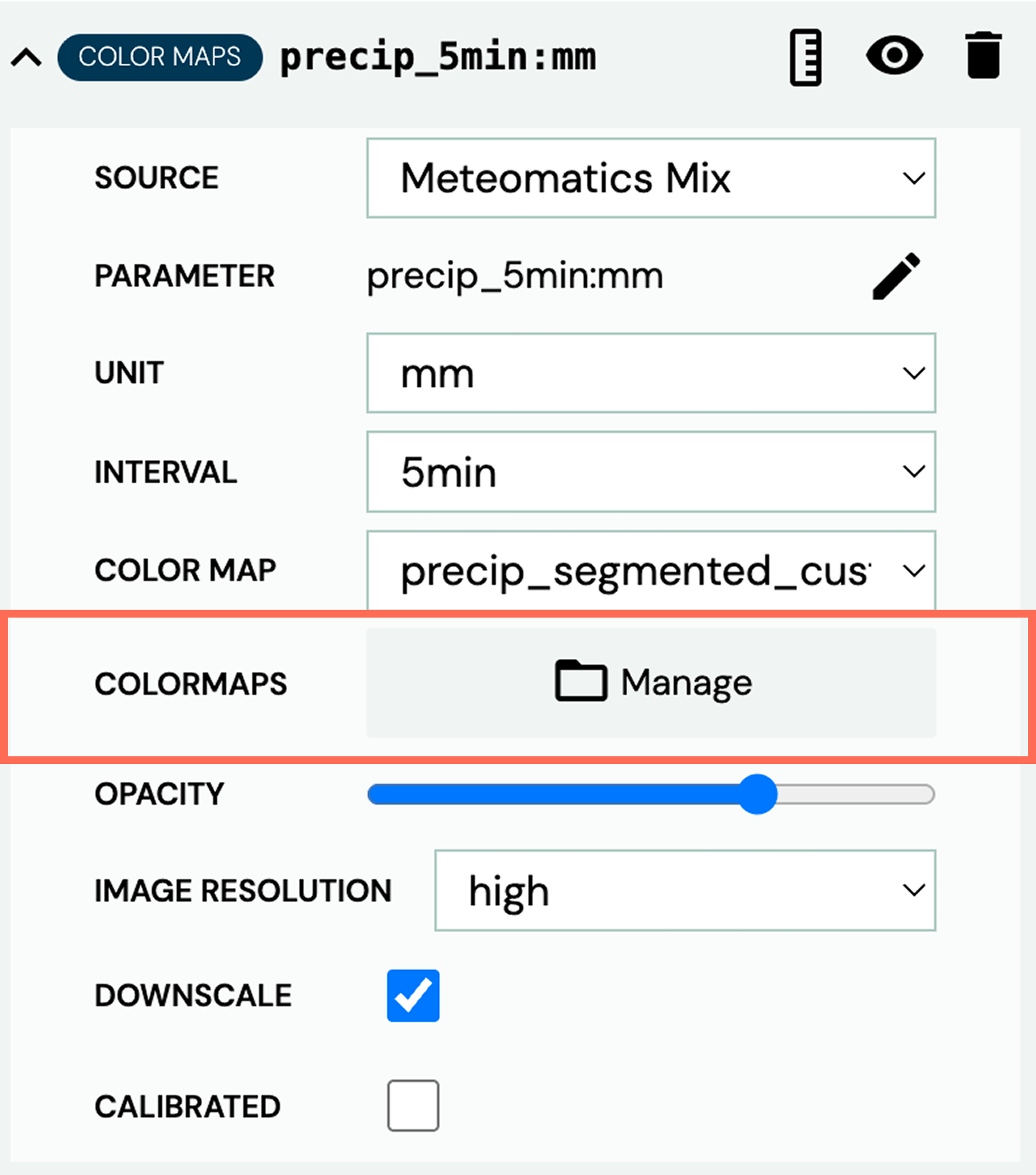
Start by choosing a color map template and giving your custom color map a name. Then decide whether to use a segmented or continuous color map. Next, choose colors and value steps according to your needs. If you already have a custom color map, you can edit it at any time.

